Sells with no signal
Ring up cash, QRIS, and split payments even when the internet drops. Every sale saves on the device first.

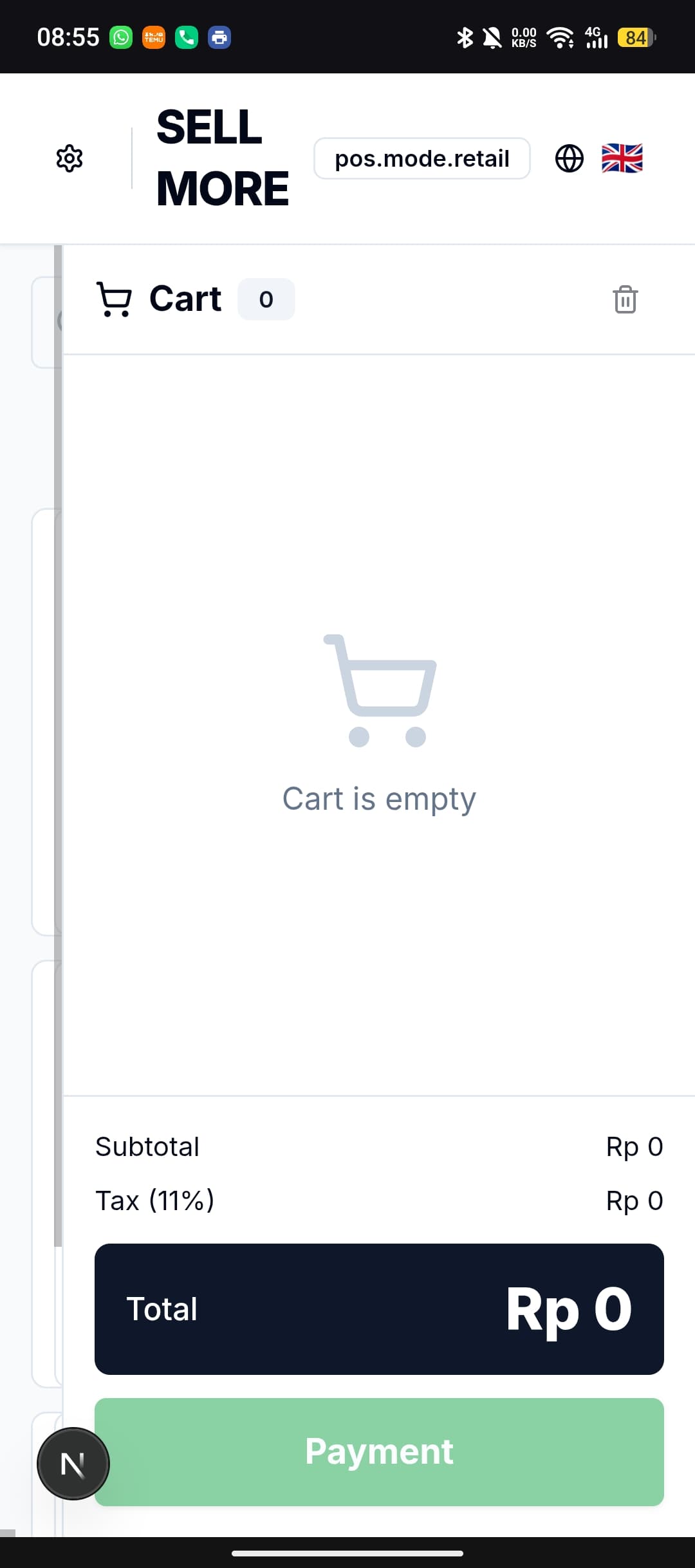
SellMore is a point-of-sale (POS) app for small shops, cafés, and food stalls in Indonesia. Open it in any phone browser to ring up sales, print receipts, run staff shifts, and see what the shop took today. Every sale is saved on the device first, so the till keeps working when the internet drops — and each closed shift is backed up to the shop owner's own Google Drive.
Nothing it doesn't. SellMore is built for one job — ring up a sale fast and keep the numbers straight.
Ring up cash, QRIS, and split payments even when the internet drops. Every sale saves on the device first.
Each closed shift backs up to the owner's own Google Drive. You hold the keys — we never keep your sales.
Pair over Bluetooth and hand over a receipt in seconds. No proprietary hardware required.
Clock-in, cashier PINs, and per-person sales — without a single spreadsheet to maintain.
Daily and monthly totals roll up on their own. Ask a plain question, get the number back.
It's a web app. Open the link, add it to the home screen, and start selling in a minute.
SellMore keeps every sale on the device first. When a shift closes, it writes a copy to a SellMore folder in the shop owner's Google Drive — the same account you already use. Switch phones, restore in a minute.
Signing in with Google is optional — the register works without it. You sign in when you want SellMore to back up and export the shop's own records. Here is every permission SellMore requests and what it is used for.
openid · email · profileUsed to sign the shop owner in and show which Google Account the backups belong to. Nothing else.
drive.fileWhen a shift closes, SellMore writes a backup of that shift to a SellMore folder in the owner's Drive, so the shop can restore its data on a new phone. SellMore can only see the files it created — the rest of your Drive stays invisible to it.
drive.fileIf the owner turns on Sheets export, SellMore creates a spreadsheet inside its own Drive folder and writes daily and monthly totals into it. This runs on the same file-scoped permission above — SellMore cannot open your other spreadsheets.
calendar.app.createdIf the owner turns on the shift summary, SellMore makes its own 'SellMore — Shift Reports' calendar and adds an entry there when a shift closes. This permission covers only calendars SellMore created; your personal calendars and events stay private to it.
SellMore's use of information received from Google APIs follows the Google API Services User Data Policy, including the Limited Use requirements. Your sales data is never sold, never used for advertising, and is not stored on SellMore servers — it stays on the device and in your own Google Drive. You can revoke SellMore's access at any time from your Google Account permissions. Full detail is in the SellMore Privacy Policy.
Already set up? Log in and start selling.